
Helpdesk CRM Software & Ticketing System
All-in-one helpdesk software with built-in Ticketing, CRM, & Call Center system
Helpdesk Solution and Ticketing Software from InfoServ CRM
Helpdesk software, sometimes referred to as Helpdesk system and Service Desk software, is a computer program, a software tool which integrates into one interface all client requests – requests for customer service, requests for assistance and support, or even complaints. A good Helpdesk system accepts requests from multiple communication channels at once, opens tickets, distributes work between Helpdesk operators, tracks compliance with Service Level Agreements (SLA) and generally leads to faster and better customer service.

CRM Helpdesk Software in One Platform
InfoServ is a CRM with helpdesk and ticketing system designed for customer support teams that need full customer context. Instead of working in separate tools, your agents handle tickets inside a helpdesk CRM system where every request is connected to a complete customer profile.
- Unified customer profile inside every ticket – contacts, company data, history and previous issues in one view.
- Ticketing system powered by CRM data – categorize, prioritize, assign and resolve faster with context.
- CRM and helpdesk software together – reduce tool switching and keep communication consistent across the team.
- Better SLA compliance – use customer and contract information to meet response and resolution targets.
If you are comparing helpdesk CRM software options, InfoServ is built for businesses that want a single platform for customer communication, ticket management, and relationship tracking.
How the Helpdesk Ticketing System Works
InfoServ converts customer requests into tickets, assigns ownership, tracks SLA deadlines, and keeps all communication in one place. This workflow is ideal for teams searching for a helpdesk system that also functions as a CRM helpdesk.
- Capture requests from email, phone and web chat and automatically create tickets.
- Classify and route tickets by type, priority, customer or SLA rules.
- Work with full context using the built-in CRM customer profile inside each ticket.
- Track SLA deadlines with reminders, escalations and real-time SLA status.
- Measure performance with dashboards for volume, response time and resolution time.
CRM vs Helpdesk Software: What’s the Difference?
A CRM focuses on managing relationships, customer data and sales/service history. A helpdesk system focuses on handling support requests through tickets. CRM and helpdesk software combined gives support teams both: structured ticket workflows and complete customer context.
InfoServ is a CRM helpdesk software platform: the helpdesk ticketing system works on top of a centralized CRM database, so agents can resolve issues faster and deliver personalized support.
Application of Helpdesk systems
Customer Service
Process inquiries across multiple communication channels (email, phone, web chat) all in one platform.
Complaints
Register customer complaints, monitor and manage their timely processing and compliance with deadlines.
Customer Support
Process customer support requests quickly and efficiently, in compliance with the agreed SLA.
Trusted by Industry Leaders













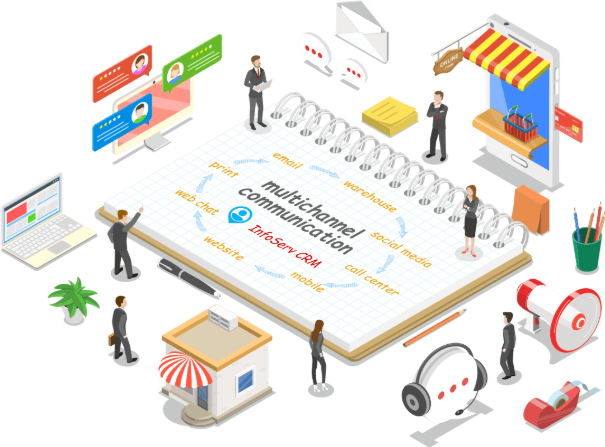
Multichannel Communication
Support customers seamlessly across phone, email and web chat. Use InfoServ CRM’s unified platform to handle all customer interactions, all in the same helpdesk system. Easily capture and document customer issues and transform them into service tickets. Move away from your inbox by setting up triggers to automatically open support tickets. Respond to customers fast, regardless of what channels they write in on. With integrated inbound and outbound calls, emails, and customer-initiated live chat, have all ticket-related communications along with voice recordings, chat transcripts, and email contents, right into your ticket for fast and easy access, and help your team ensure meaningful communication and fast ticket resolution.
Personalized customer service with built-in CRM
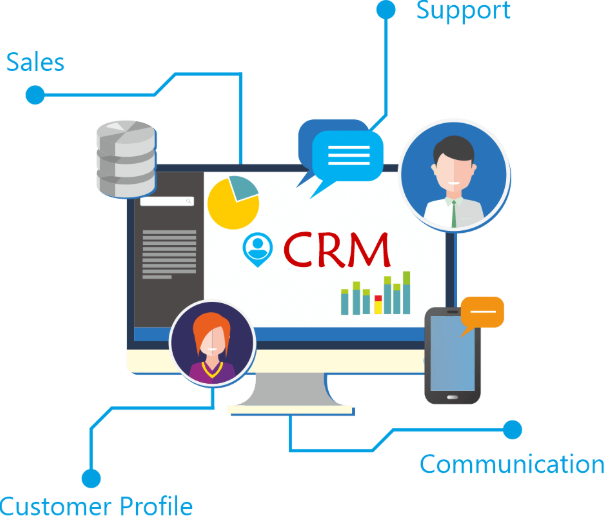
Don’t just address customer tickets, connect with customers and solve their issues with a personal touch. Delight customers with fast personal answers to their support issues and requests. Thanks to the built-in CRM system and customer information available right into the ticket, your support team will be able to understand the customer better and provide contextual and personal service. InfoServ CRM’s Helpdesk system works off a centralized customer relationship management (CRM) database and your customer support team has a 360-degree Customer Profile view at their disposal with the relevant customer context they need to provide faster, more accurate, and personalized responses, and ultimately improve the customer service experience.
SLA (Service Level Agreement) Management
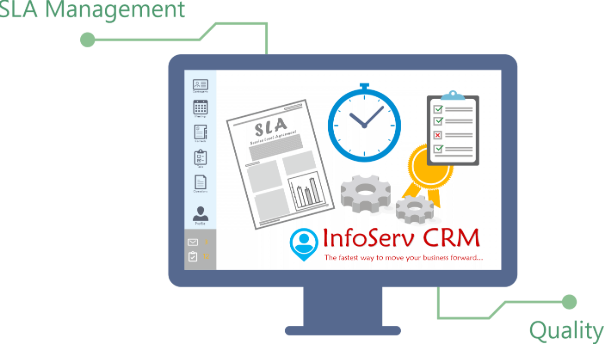
InfoServ lets you define Service Level Agreement (SLA) policies for the time within which your support team should respond to and/or resolve tickets. Use SLAs to standardize your service quality and meet client expectations. With SLA views your team will easily monitor ticket’s SLA status, and be able to spot and avoid beaches, and meet deadlines. InfoServ CRM’s Ticketing System allows you to setup different SLA policies for each ticket type, while taking into account your working / business hours. It can even automatically remind support agents or escalate issues to managers in case of SLA breach.
Ticket Reporting & Performance Dashboards
Monitor how your helpdesk team is performing with ticket reporting and advanced analytics. Track metrics such as tickets closed, SLAs violated and average time to resolve a ticket to accelerate your team’s efficiency. Use InfoServ CRM’s built-in reporting tools to identify problems faster, recognize good or bad performance, identify support issue dependencies and common ticket solutions, and monitor service standards. All reports are customizable and you can easily create new reports according to your specific requirements.

Helpdesk Features in InfoServ CRM
Multichannel Communication
Service customers on their preferred communication channel - phone, email, web chat.
Customer Profile
A 360-degree customer view with detailed customer information and previous service requests.
Real-Time Monitoring
Real-time monitoring of users, calls, web chat communication and SLA Tickets reporting.
Ticket Management
Turn requests by phone, email, web chat or office visit into tickets and track performance.
Knowledgebase
Internal knowledgebase with answers to FAQ and steps and solutions to client problems.
Automation
Automatic ticket opening and closing, and notifying clients of ticket number and status.
Helpdesk & Ticketing FAQ
Common questions about InfoServ's helpdesk and ticket management features.