What is Call Service Solution?
Businesses rely on call centers—internal or outsourced—for key services like customer support, sales, appointment scheduling, and collections. To manage these tasks, they use call center software, which has evolved from handling just phone calls to supporting email, web chat, and more. These systems identify customers by phone number, email, or ID, and show their profiles to agents in real time. They also log interactions, track performance, and help monitor overall efficiency.
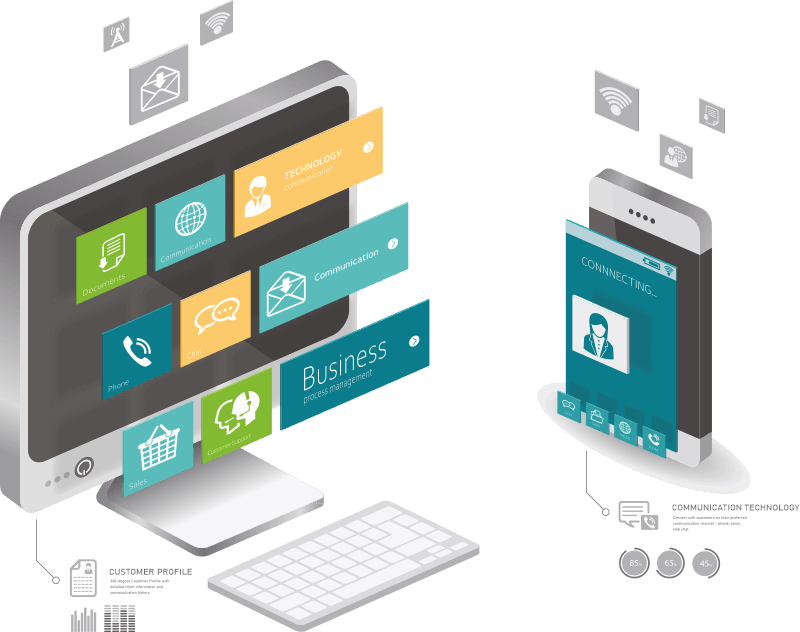
Application of Call Center Solution

Inbound Call Center and Hot Line Support
With features like Automatic Call Distribution, Skill-Based Routing, and Customer Screen Pop-ups, the call center software intelligently directs incoming calls to the most appropriate agent — ensuring exceptional customer service.

Automatic Dialer and Telemarketing Campaigns
With an Outbound Dialer offering multiple dialing modes, your team becomes more productive when executing telemarketing campaigns — including sales, meeting scheduling, debt collections, surveys, and market research.

IVR System and Automatic Phone Services
With complex IVR menus, you can route calls to the most appropriate agent, deliver automated phone services 24/7, provide standardized information to clients, and support active or passive client operations.
Trusted by Industry Leaders














Call Center Solution from InfoServ CRM
Increase the productivity and quality of your call center initiatives with multichannel communication and automatic dialer. Exceed expectations and put your customer at the center of your business with Call Center, Helpdesk and CRM software integrated into a single platform.

Standalone (Independent) Software
With a standalone platform, manage all communication channels from a single interface—no need for external PBX systems, email clients, SoftPhones, or chat apps. The system supports direct telephony and PBX, with calls made via IP phones or the built-in SoftPhone. InfoServ CRM also integrates with your mail server, processing emails through its internal client.
The Call Center solution supports telephony from both an internal PBX and directly from the telephone provider, eliminating the need to purchase and install a separate PBX. Call Center operators place calls via IP phones or through the SoftPhone built into the system. InfoServ CRM also integrates with your mail server via IMAP and SMTP, with emails managed through the built-in Internal Email Client.
Multichannel Communication
Serve customers seamlessly across phone, email, and web chat. InfoServ CRM unifies multiple communication channels into a single platform, enabling your team to respond to all client inquiries from one system.
A multichannel call center empowers customers to choose the contact method that best suits them at any time, while ensuring a consistent and prompt experience across all touchpoints. By using a unified communication platform, call center agents gain instant access to relevant customer data and interaction history—all in one interface—ensuring fast, accurate, and personalized responses.

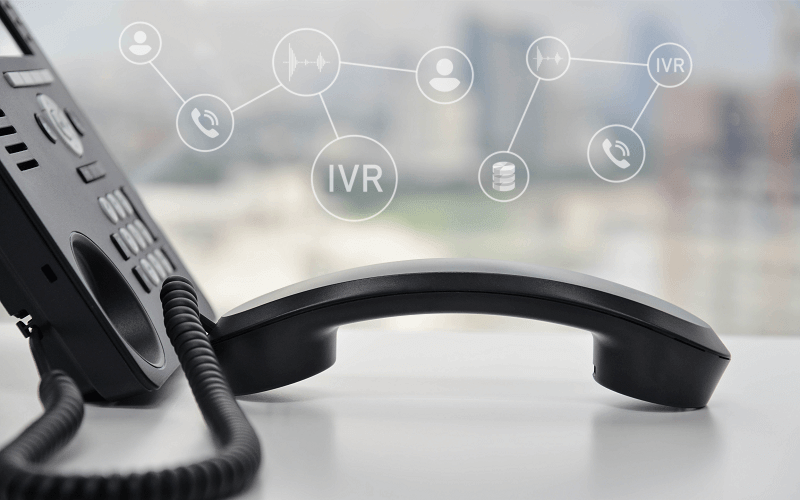
IVR (Interactive Voice Response)
Use IVR technology to streamline call routing and efficiently handle routine customer inquiries. InfoServ’s IVR solution supports integration with external systems and databases, enabling advanced customer identification and information delivery through web services or direct database access.
Tailor your IVR logic by incorporating multiple languages, multi-level menu structures, informational prompts, external number routing, business hours settings, and voicemail redirection. Activate targeted IVR messages to enhance marketing and sales efforts—such as product announcements and promotional campaigns—or to minimize wait times and improve call center efficiency.
360-degree Customer Profile
Promptly resolving customer inquiries, providing attentive care, and fostering lasting relationships through personalized service are what drive clients to return time and again.
With Call Center software featuring built-in CRM, operators have immediate access to comprehensive customer information—enabling them to better understand client concerns and deliver meaningful, tailored responses.
By working with a centralized customer relationship management database, Call Center agents gain a full 360-degree view of each customer, ensuring faster, more accurate, and more personalized service delivery.

Call Center Features in InfoServ CRM
Multichannel Call Center
Offer customer support through their preferred communication channels—phone, email, and web chat—within one seamless, unified solution.
Built-in Softphone
With the built-in SoftPhone, you can call customers directly from InfoServ CRM—no physical phone device required.
Call Recording
All phone calls handled through InfoServ CRM can be recorded, with recordings readily available for fast and easy review.
IVR and Voicemail
Convenient IVR menus—featuring marketing messages and automated voice prompts—enable you to serve customers easily 24/7.
Agentless Dialer
Use InfoServ CRM’s Automatic Outbound Phone Campaigns to proactively notify customers—ensuring timely communication and deeper engagement.
Automatic Dialer
Increase the efficiency of outbound telemarketing campaigns with Automatic Dialer with different dialing modes.
Call Center Software FAQ
Common questions about InfoServ's call center and contact center capabilities.